



Introduction
In my previous posts I installed node.js and I made the code be a bit more readable. Now I want to make the view a bit more HTML like so that it reads a bit better and to separate concerns. I selected mustache.js out of the many that are out there.
Internal template
first thing was to download mustache.js. I used a package manager for that. Namely npm. To install npm you must however first install curl via
sudo apt-get install curl
and then you can do
sudo curl http://npmjs.org/install.sh | sudo sh
and then I got to my Documents folder and do this.
npm install mustache
and it will download the files for me and put them in a folder called node_modulesmustache.
Now I can try it out.
```javascript var mustache = require(‘./node_modules/mustache/mustache’);
function helloworld(response) { console.log(‘request recieved at ’ + (new Date()).getTime()); response.writeHead(200, {‘Content-Type’: ‘text/html’}); var template = ‘<h1>Test</h1><p>{{helloworld}}</p>’; var model = {helloworld:‘Hello World’}; response.end(mustache.to_html(template,model)); }
exports.helloworld = helloworld;``` as you can see I made an object of mustache, I made a template and I made a model. And then I gave both of them to the to_html function so that it could create the html.
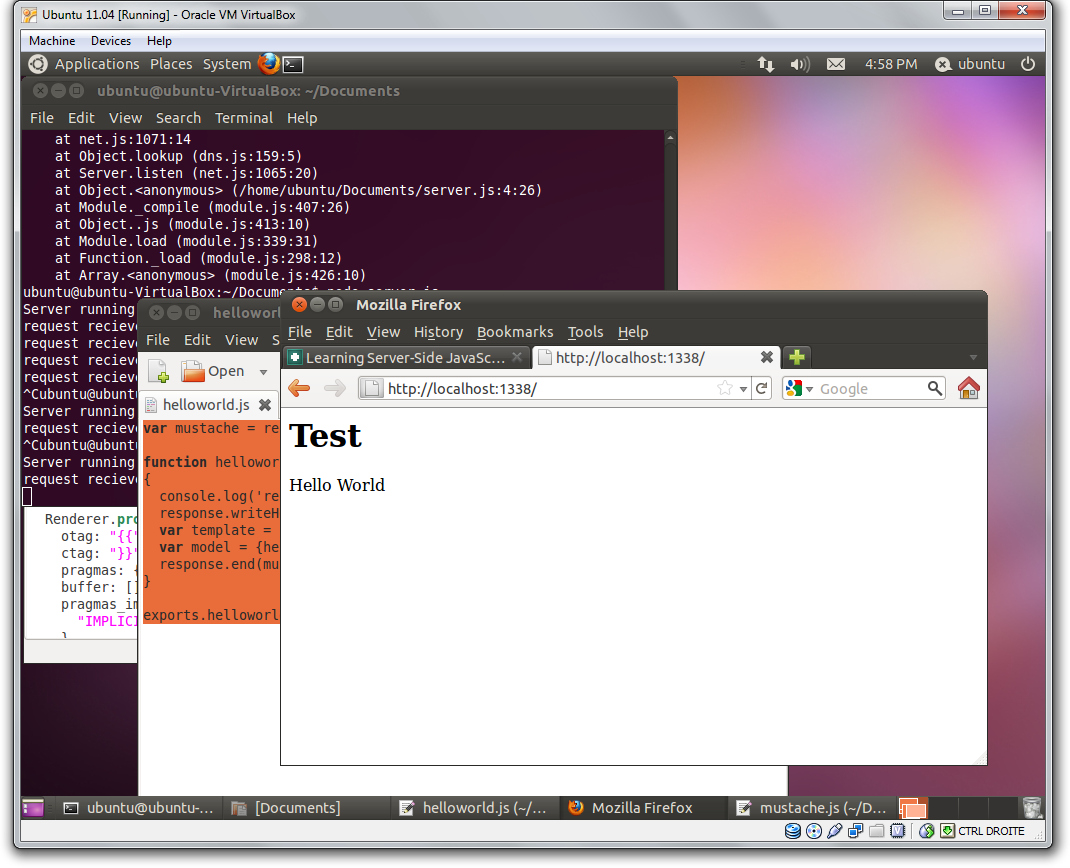
Of course this is no good to us I want that template to be outside my controller.
Like so.
html
<html>
  <head>
    <title>My first template</title>
  </head>
  <body>
    <h1>Test</h1>
    <p>{{helloworld}}</p>
  </body>
</html>
and this in a file called helloworld.html.
And now we need to adapt our code to read from this file with readfile and the fs namespace.
```javascript var mustache = require(‘./node_modules/mustache/mustache’); var fs = require(‘fs’);
function helloworld(response) { console.log(‘request recieved at ’ + (new Date()).getTime()); fs.readFile(“./helloworld.html”,function(err,template) { response.writeHead(200, {‘Content-Type’: ‘text/html’}) response.write(mustache.to_html(template.toString(), {helloworld:“Hello World”})) response.end() }); }
exports.helloworld = helloworld;``` As you can see I imported fs and used readfile t read from a file and pass it to mustache, making sure I cast it to string.
This gives the desired result.
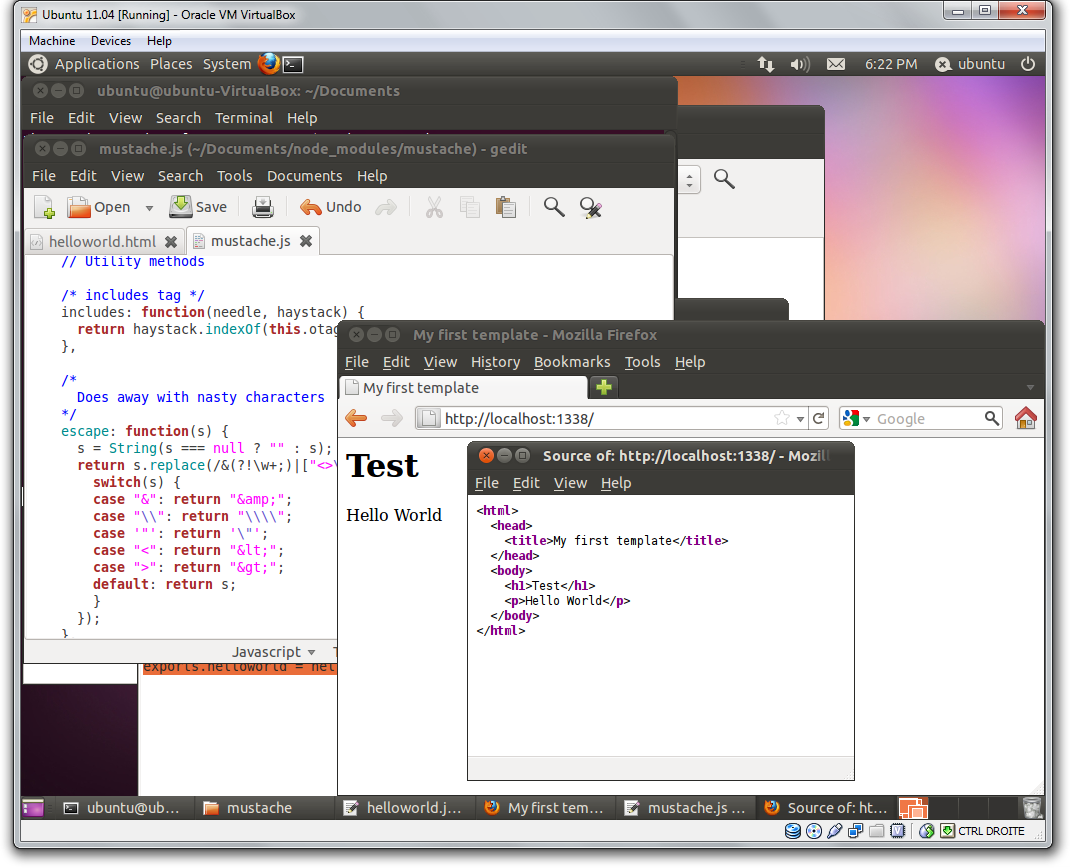
So in the future we should probably make a function that accepts a model and a template and gets rid of the code I just showed but this will do for now.
Conclusion
There are plenty of templating engines out there for you to use. I used mustache.js and got it to work after a while. Documentation is of course hard to find. I will be exploring node.js a bit more in the future it looks however that it need some recommendations and best practices. I’m having quite a bit of fun learning.
 Chris is awesome.
