



Introduction
Last week I attended a webcamp with Scott Hanselman and he showed Webmatrix and how cool it really is. So today I had some time to try it out and make myself a cool website.
Installation
He said it was only 8MB to download. It is only 8MB to download untill you click the install button after which it starts downloading a whole lot more software. It probably is no problem for people with fast internet.
YOu can download webmatrix from the ASP.Net webpages. YOu just have to click the big green button on the install page.
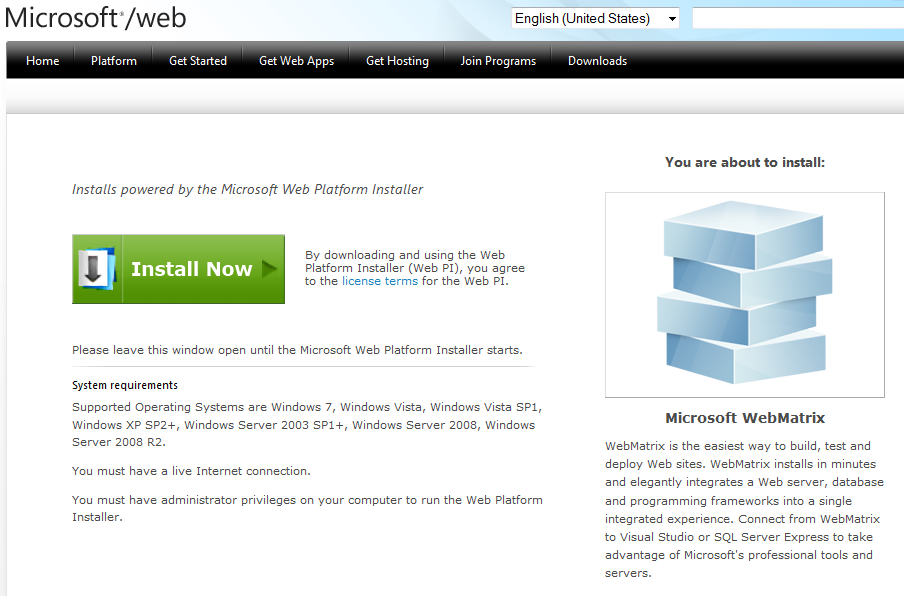
That will download the webinstaller which is only 8MB.
And then the downloading begins.
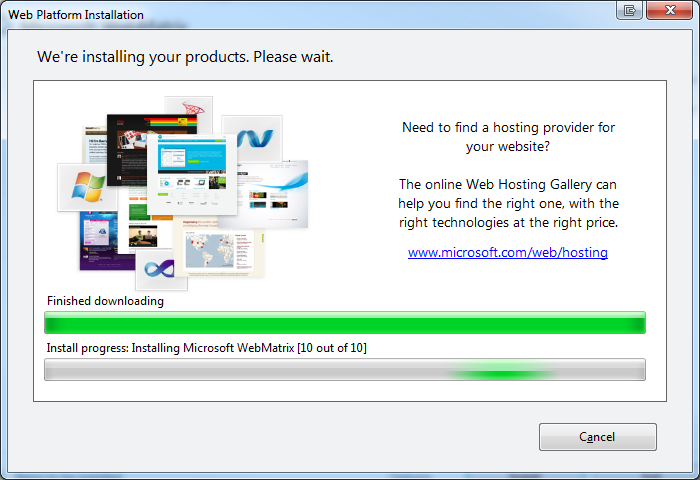
It will install IIS-express and some other things it needs.
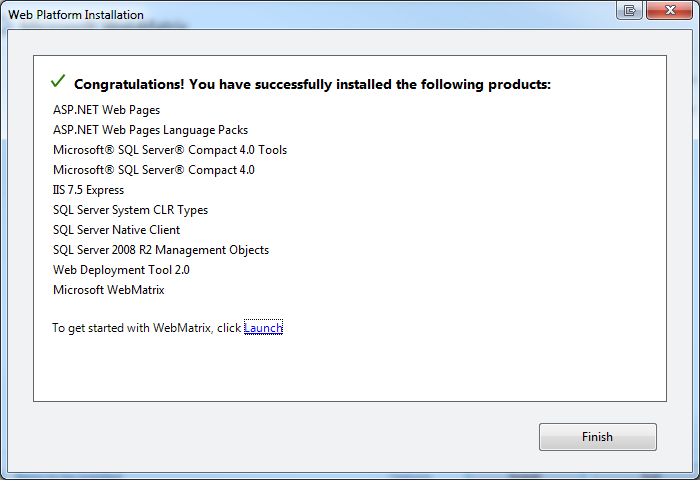
This is a list of things it installed on my machine.
First site
So the installation was pretty painless. Now let’s get me a site. I used a template and used starter site (seemed the most logical thing a novice would click).
This is were you end up after you click ok.

And this is what happens when you click run.
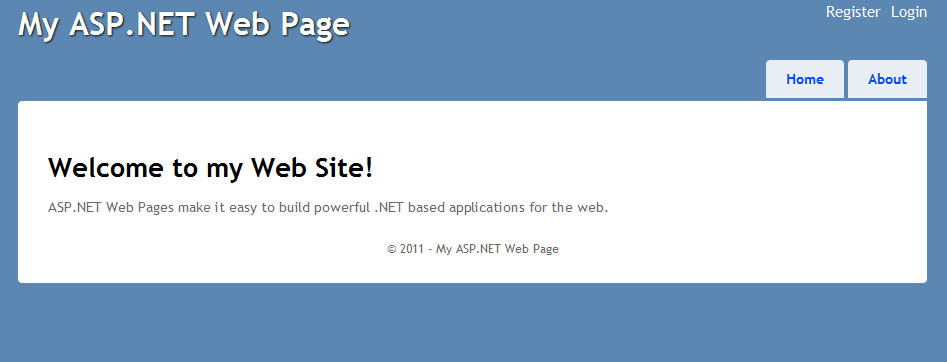
That was simple and quick. Now let’s see if I can do some razor things with it.
Razor
Just doing some quick and dirty things with it now. AS usual you have to jump through hoops to use VB as your language. YOu have to pick a vbhtml for this.
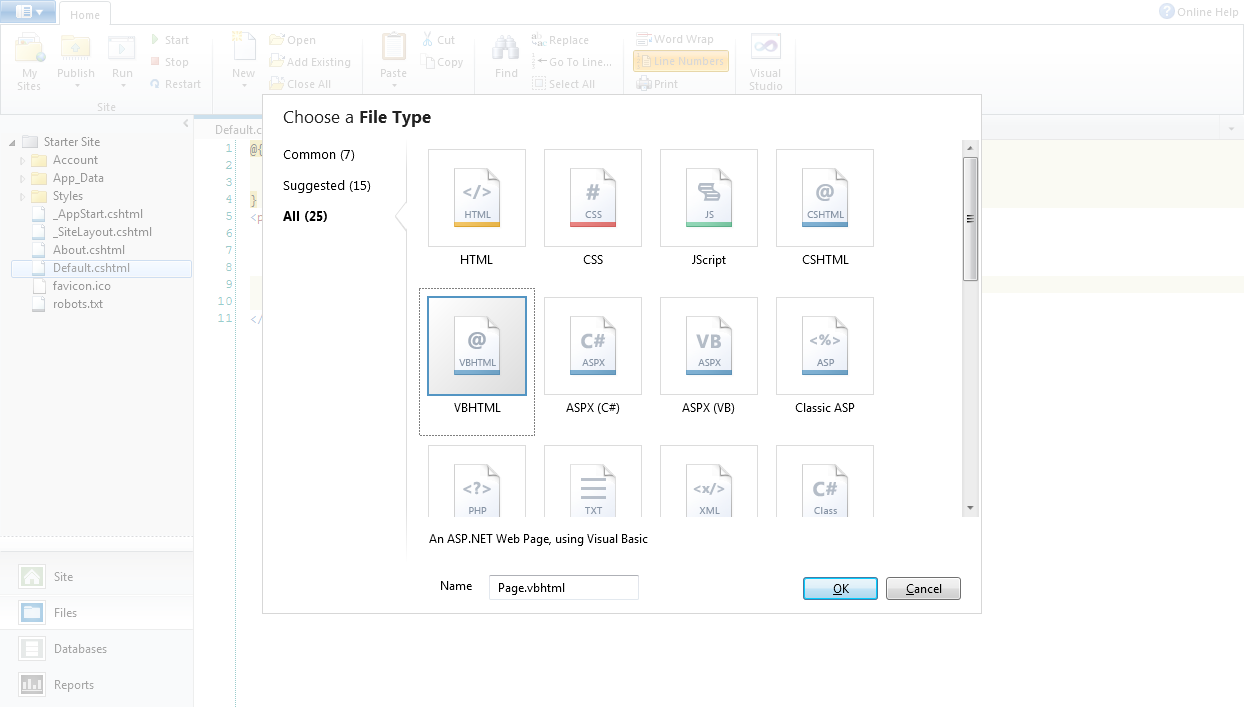
It is not in common nor in suggested, you have to go to all.
So I create a Page called Page and added it to the menu. You have to change _SiteLayout.cshtml for that. Like this.
<ul id="menu">
<li><a href="@Href("~/")">Home</a></li>
<li><a href="@Href("~/Page")">Page</a></li>
<li><a href="@Href("~/About")">About</a></li>
</ul>```
When you make a new page as vbhtml you get all this.
```html
<!DOCTYPE html>
<html lang="en">
<head>
<meta charset="utf-8" />
<title></title>
</head>
<body>
</body>
</html>```
Which we don’t need. I want my page to look like the rest.
Finding the right syntax is a bit tricky if you insist on doing VB.Net since most examples are in C#.
But here it is.
```html
@Code
Layout = "~/_SiteLayout.cshtml"
Page.Title = "Welcome to my Web Site!"
End Code
<p>
ASP.NET Web Pages make it easy to build powerful .NET based applications for the web.
</p>```
That now looks the same as the default page.
<div class="image_block">
<a href="/wp-content/uploads/users/chrissie1/webmatrix/Webmatrix7.png?mtime=1296479431"><img alt="" src="/wp-content/uploads/users/chrissie1/webmatrix/Webmatrix7.png?mtime=1296479431" width="938" height="345" /></a>
</div>
Next thing I wanted to find out is how to do a for loop.
This is what it looks like.
```html
@Code
Layout = "~/_SiteLayout.cshtml"
Page.Title = "Welcome to my Web Site!"
End Code
<p>
ASP.NET Web Pages make it easy to build powerful .NET based applications for the web.
In VB.Net.
<ul>
@for i as integer = 1 to 10
@<li>@i</li>
next
</ul>
</p>
And this the result.
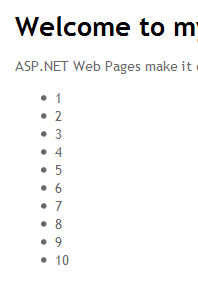
I was a bit surprised with the syntax, I don’t think it is all that consistent (why no @ before the next? and why do I need the @ in front of the li?) but I could get used to it over time.
Conclusion
It was fun playing with it. It is very fast to install and a breeze to get it working (I can still remember the nightmares I used to have with eclipse and such). The easy of getting started is crucial to get people in to development. You don’t want to scare people away just because they can’t get it installed. But don’t worry, people who are not willing to learn the syntax or learn anything about development will soon give up.
 Chris is awesome.
