



I decided to give Duplicati a try to backup some of my stuff to the cloud. Duplicati is free/libre/open-source software (FLOSS). Duplicati works with Amazon S3, Windows Live SkyDrive, Google Drive (Google Docs), Rackspace Cloud Files or WebDAV, SSH, FTP.
Duplicati uses Pre-Internet Encryption, you know that nobody can decrypt your files. When working with the cloud you have to be in TNO (Trust No One) mode. You never know what malicious person could be on the other side. Duplicati has built-in AES-256 encryption and backups can be signed using GNU Privacy Guard
Duplicati is available for the following platforms
Duplicati 1.3.2 for Windows – (32bit, msi)
Duplicati 1.3.2 for Windows – (64bit, msi)
Duplicati 1.3.2 for Mac OS X – (dmg)
Duplicati 1.3.2 for Debian, Ubuntu, LinuxMint – (deb)
Duplicati 1.3.2 for Fedora, RedHat, OpenSuSE – (rpm)
Duplicati 1.3.2 – (Binaries, zip)
Duplicati 1.3.2 – (Linux binary, tgz)
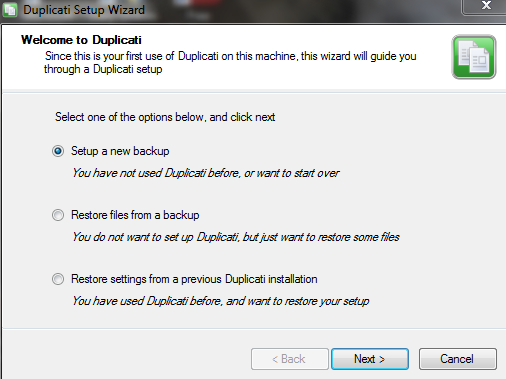
Let’s take a look at how easy it is to use. After you install Duplicati, run it. When you run it the first time a wizard will pop up. Pick select a new backup
A bunch of typical folders that hold your pictures, music, documents etc are shown by default. I decided to create a new folder and dump some pics in that folder

Next you give a password for your backups

Then you pick where you want to back this up to
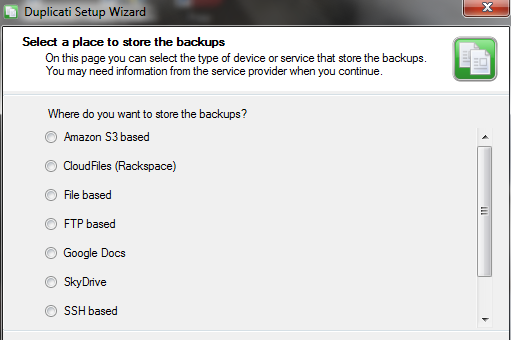
I picked SkyDrive
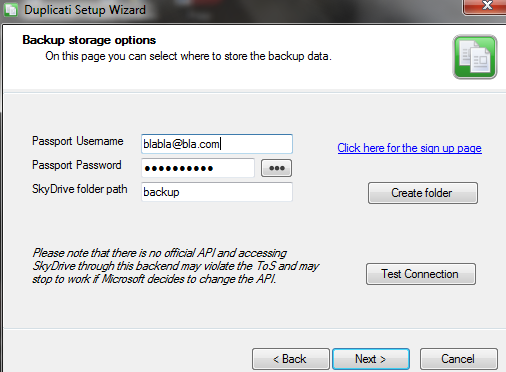
On the advanced page, you can add custom filters, set up the frequency and add limits
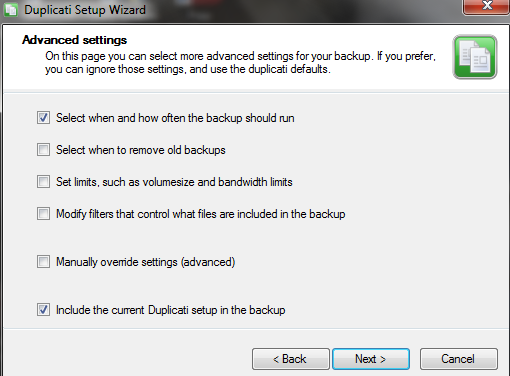
On the next page you can now fill the details in for the stuff you picked in the previous page
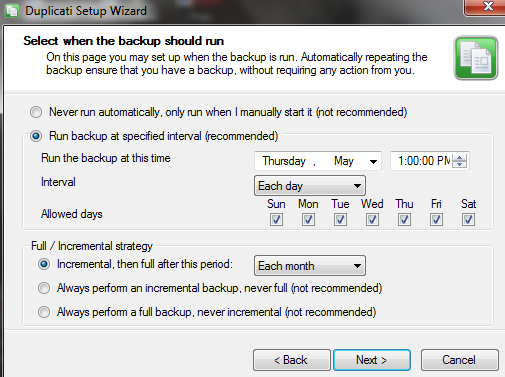
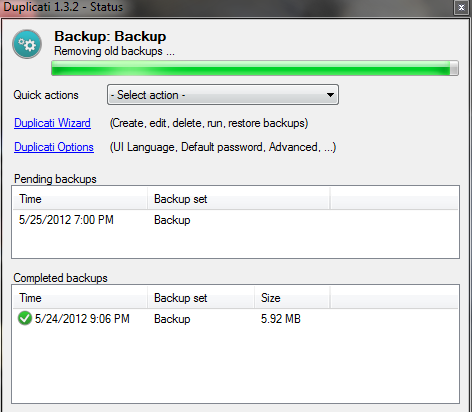
Backup is running….and it is done
I checked that there was something in the SkyDrive folder
Next I wiped out the folder on my PC and decided to do a restore. I ran the app, clicked on the wizard and picked the restore option
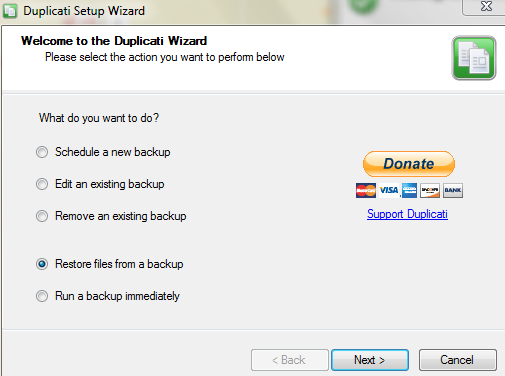
I picked restore from an existing backup

I picked the backup I wanted to restore

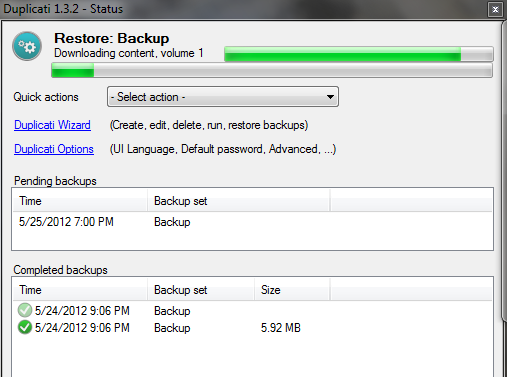
It is downloading the backup
I checked the folder and all the pictures that I wiped out were restored
It is pretty easy to use, I will test this out over the coming weeks to get more familiar with this product
Duplicati is an open source project, licensed under LGPL, the source can be downloaded here http://code.google.com/p/duplicati/source/checkout
Try it out and let me know what you think, the main product page is here: http://www.duplicati.com
 Denis has been working with SQL Server since version 6.5. Although he worked as an ASP/JSP/ColdFusion developer before the dot com bust, he has been working exclusively as a database developer/architect since 2002. In addition to English, Denis is also fluent in Croatian and Dutch, but he can curse in many other languages and dialects (just ask the SQL optimizer) He lives in Princeton, NJ with his wife and three kids.

