



This blog is part of my series Making Data Tell a Story With SSRS Properties.
Property: FixedColumnHeaders
The purpose of this property is to keep column headers visible as you scroll down a page to view data.
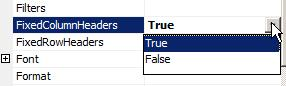
To access the property, select the tablix and select FixedColumnHeaders.
The options are True or False.
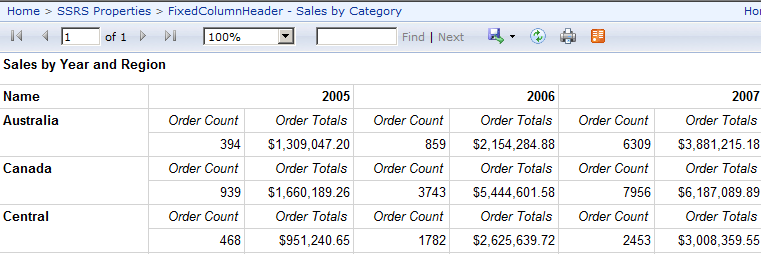
Example: I have a matrix that display order counts and totals by year, grouped by sales region. The Year header appears when I am at the top of the rendered report.
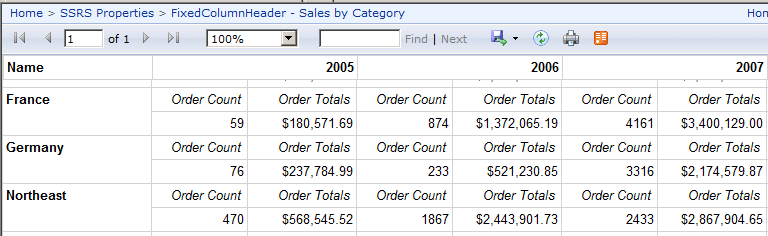
I go to the tablix properties and set FixedColumnHeaders to True (and the Background Color to white). When I view the report again, and scroll down, I see the header at the top at all times.
Further Reading:
Controlling Row and Column Headings (Report Builder 3.0 and SSRS)
 Jes Borland is a Premier Field Engineer - SQL Server for Microsoft, where she is a trusted technical adviser, deep technical support, and teacher for her customers. Her experience as a DBA, consultant, and 5-time Data Platform MVP allow her to help the business and the IT teams reach their goals. She has worked with SQL Server as a developer, report writer, DBA, and consultant. Her favorite topics are administration, automation, and performance. She frequently presents at user groups, SQL Saturdays, and other community events. She is also an avid runner and chef.

